Troubleshooting
Below is a list of issues commonly found while using CheckLogic Biz along with steps to help troubleshoot an issue.
CheckLogic Biz is "Hung Up" During Item Scanning Process ("Item Retrieval Is Taking Longer Than Expected")
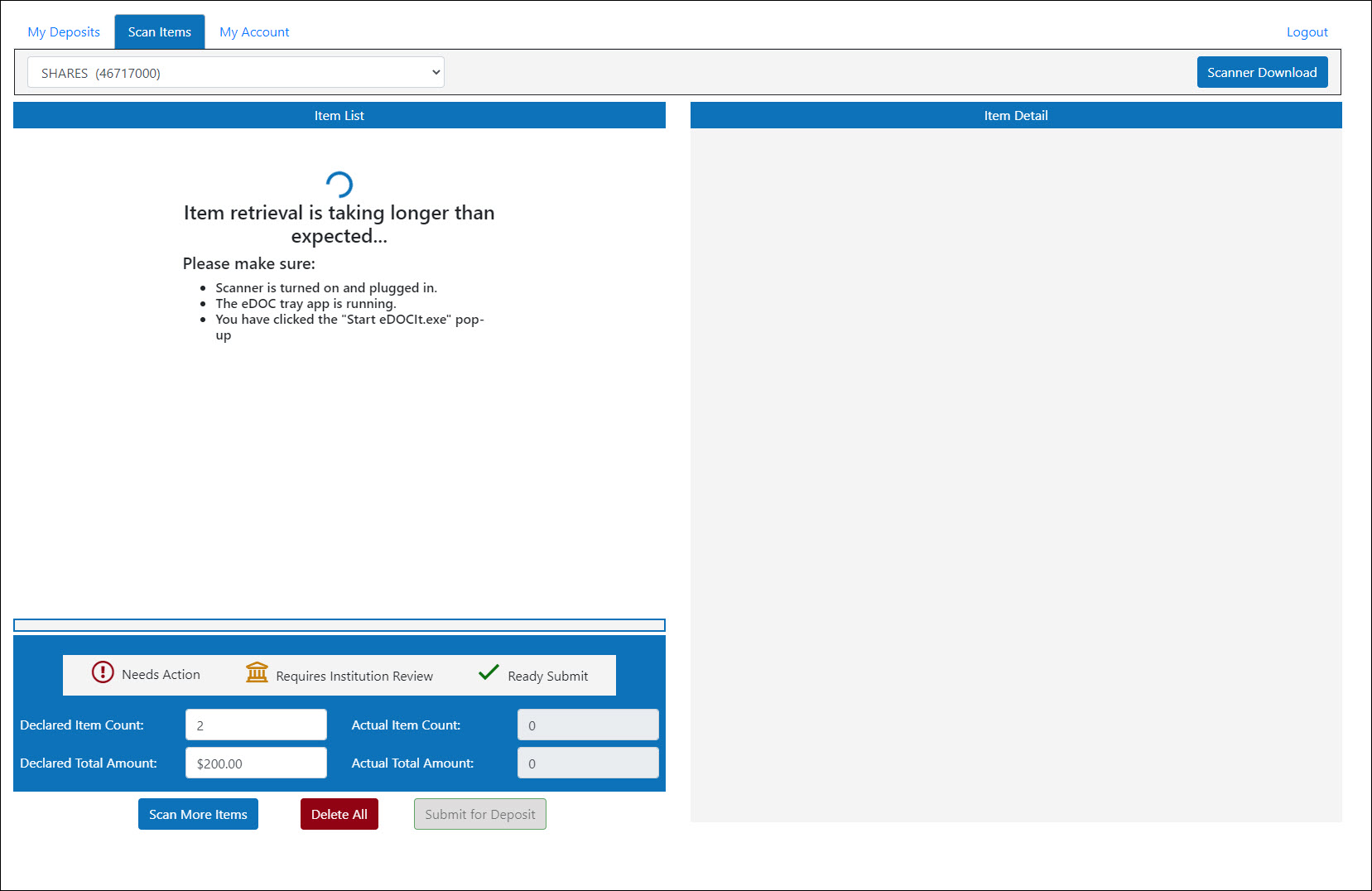
If CheckLogic Biz becomes "hung up," or stuck, while scanning items and is unable to complete the item scanning process, try the following steps:
- Power cycle the scanner unit by toggling the power switch on the back of the scanner unit.
- In your desktop tray, right-click on the CheckLogic Biz tray application and click Close to close the application.
- Log out of the CheckLogic Biz portal and log back in using your credentials.
- Restart the scanning process in CheckLogic Biz.
My "Actual Item Count" does not match my "Declared Item Count," or my "Actual Total Amount" does not match my "Declared Total Amount."
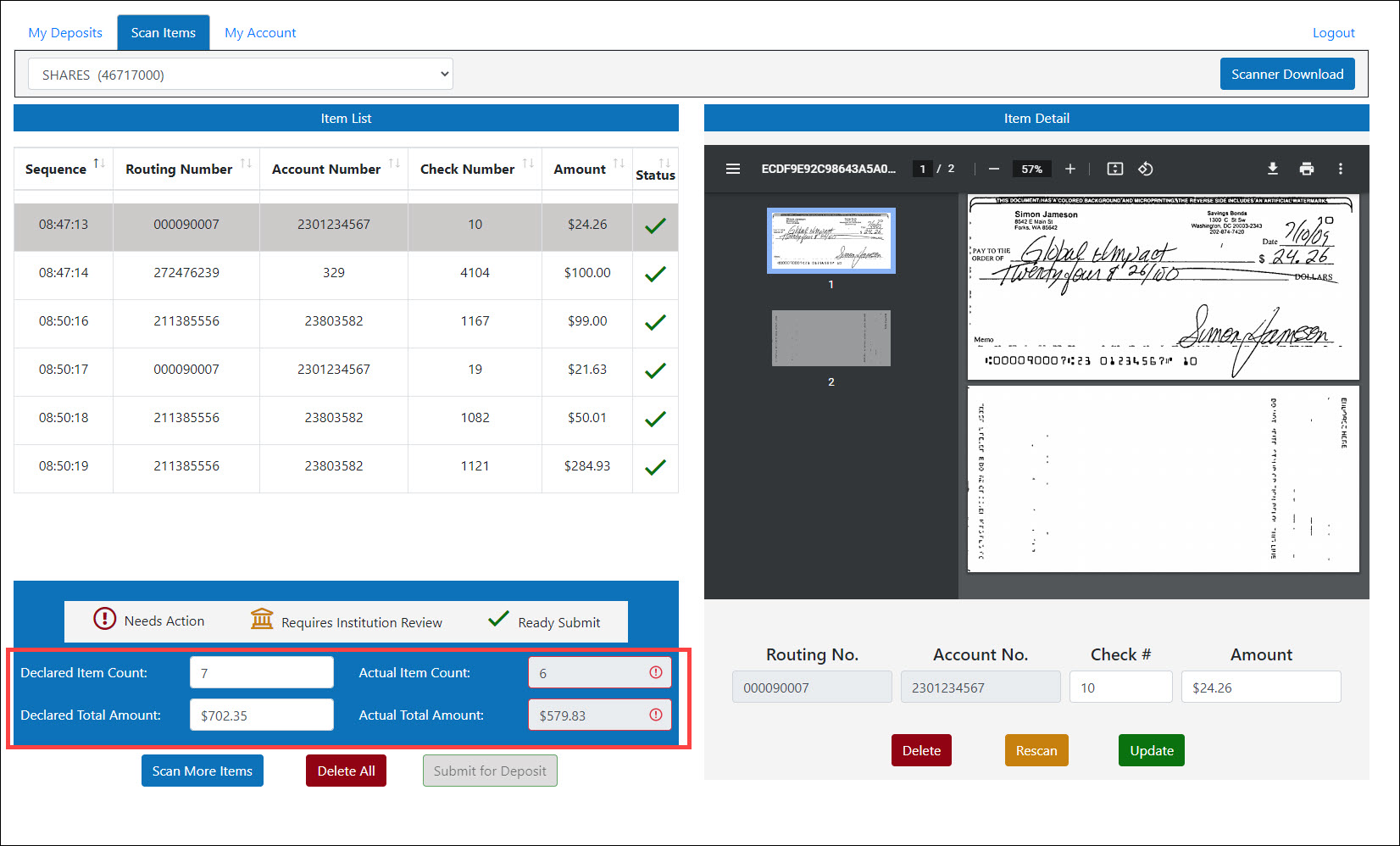
When scanning multiple items, this issue is often a result of multiple items being pulled through the scanner at one time (i.e. "piggybacking"). If your item counts or total dollar amounts do not match, try the following steps:
- Remove all items from the scanner.
- Compare the scanned items against the Item List in CheckLogic Biz, verifying that each item was properly scanned and tabulated.
- Fix any items that were improperly scanned, and scan any items that were not initially scanned.